
Bing AI Performance Report: How to See When Copilot Cites Your Site

Most small businesses have never opened Bing Webmaster Tools. That made sense when Bing was the search engine nobody optimized for. It makes less sense now, because Bing's free AI Performance report is one of the only places a search company shows you, with first-party data, when your pages were cited as a source in AI answers.
Google Search Console folds AI Overviews and AI Mode into its regular Performance report, with no separate citation count. Microsoft took a different route. Since its public preview in February 2026, the report has counted citations across Microsoft Copilot, AI-generated summaries in Bing, and select partner integrations. In October 2026 it added a beta view called Topics Portfolio that also shows queries where other sites get cited and yours doesn't.
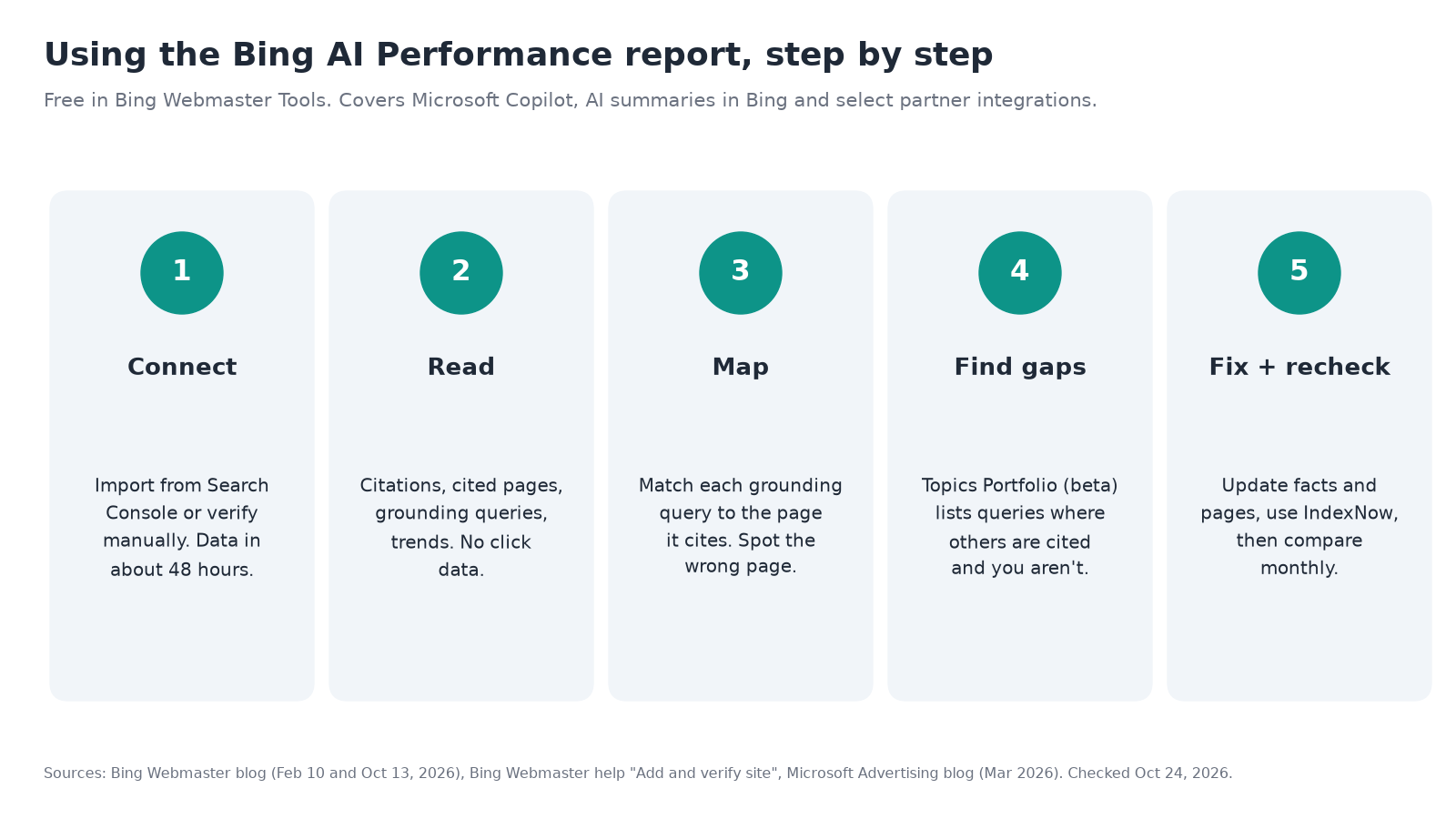
This guide walks through setting it up, reading each number, and turning what you find into a short list of page fixes.
Step 1: Add and verify your site
You need a free Bing Webmaster Tools account and a verified site. Bing's add and verify help page lists two ways in:
- Import from Google Search Console. If your site is already verified in Search Console, choose Import, sign in with the Google account that owns the property, and allow access. Bing lists your verified sites and sitemaps, and the ones you pick are verified automatically. This is the fastest route for most businesses.
- Add it manually. Enter your URL, then prove ownership with one of Bing's methods: upload the
BingSiteAuth.xmlfile to your site's root, paste amsvalidate.01meta tag into your homepage, add a CNAME record in your DNS, or use DNS auto verification if your DNS provider supports the Domain Connect standard.
Bing says it usually takes about 48 hours to generate data for a newly added site. While you wait, submit your sitemap if the import didn't bring one over.
Before you go further, check your robots.txt. Bing says it respects the preferences you set in robots.txt and its other supported controls. If you block Bingbot, you have nothing to measure. Our comparison of AI crawlers in robots.txt explains which bots handle training and which handle search and answers.
Step 2: Read the dashboard without over-reading it
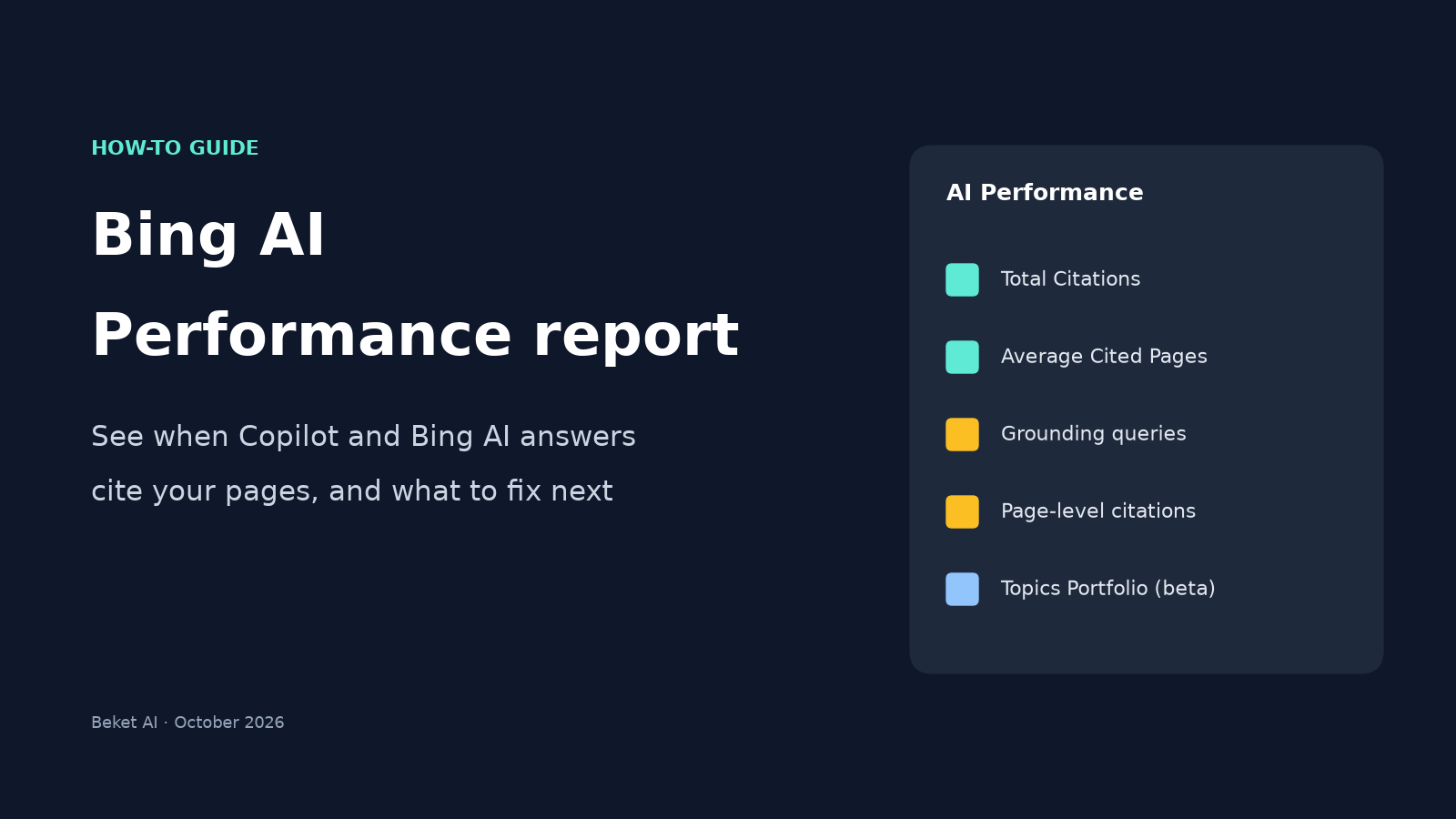
Open your site in Bing Webmaster Tools and go to AI Performance. The main view has five parts. Each one answers a narrower question than it first seems to.
| Metric | What it shows | What it does not show |
|---|---|---|
| Total Citations | How many times your pages were shown as a source in AI answers during the date range | Where in the answer you appeared, or whether anyone clicked |
| Average Cited Pages | The average number of unique pages from your site cited per day | Ranking, authority, or how important a page was to the answer |
| Grounding queries | The phrases the AI used to retrieve content it then cited | The exact words a person typed. Bing says this is a sample of citation activity |
| Page-level citations | Citation counts for each URL on your site | Page importance or placement |
| Visibility trends | How citation activity changes over time | Why it changed |
Sources: Bing Webmaster blog, Feb 2026; Search Engine Journal.
Two limits matter most. First, the report has no click data, so a citation tells you that you were shown, not that you earned a visit. We wrote about that gap in Cited Is Not Clicked. Second, grounding queries are the retrieval phrases Bing's system generates while building an answer, so they often read more like keywords than like the question a customer asked.
Step 3: Map grounding queries to the pages they cite
In March 2026, Microsoft connected the Grounding Queries and Pages views. Select a grounding query to see which of your pages were cited for it, or select a page to see the queries that led to it. One query can map to several pages, and one page can serve many queries.
This is the most useful part of the report for a small site. Work through it like this:
- Sort pages by citations. Note your top five cited URLs. These are the pages AI answers already lean on, so they are the ones to keep most accurate.
- Open each top page and read its grounding queries. Ask whether the page actually answers those queries well. If a query is "emergency plumber hours Ballard" and the cited page is your homepage, your hours and service area need to be easy to find there.
- Look for the wrong page. If an old blog post or a thin location page is cited instead of your main service page, that's a sign the better page isn't clear enough about the topic.
- Look for missing pages. A query cluster with no strong page behind it is a gap in your content.
Write down what you find in a simple sheet with four columns: the grounding query, the page that's cited, the page that should be cited, and the fix.
Step 4: Check Topics Portfolio for opportunity queries
Topics Portfolio, launched in beta on October 13, 2026, groups your grounding queries into broad themes. If Bing has enough data for your site, you'll see a Topics Portfolio tab next to Citations & Pages. If you don't see it, Bing says your site doesn't have enough presence or activity yet, which is common for smaller sites.
For each topic, Bing shows:
- Topic Size: approximate total citations across all sites for that topic, a rough measure of AI search demand.
- Sites Cited: approximately how many sites appear for queries in the topic, which tells you how crowded it is.
- Queries: approximately how many distinct grounding queries the topic holds.
Below the topic table is Top Opportunity Queries: queries where other sites are cited and yours isn't, with citation volumes shown as ranges. Click into a topic to see two tables side by side, the grounding queries you already appear for and the opportunity queries you don't.
Microsoft is upfront about the limits. Topics are classified by AI and can be off, the numbers are approximate, and branded queries for other companies can show up as "opportunities." Treat this view as a planning signal, not a scorecard. Choose a one-, two- or three-month window, start with topics where you already have citations, and skip opportunities that aren't really about what you sell.
Step 5: Turn findings into page fixes
Bing's own guidance for improving citations is practical: strengthen depth on the topics you're cited for, use clear headings and tables, back claims with examples and sources, keep content current, and make sure text, images and video describe the same business and services. For local businesses, Bing also points to keeping your address, hours and contact details current in Bing Places for Business.
Translated into a to-do list for a typical service business:
| What you found | What to change |
|---|---|
| A top-cited page has outdated hours, prices or services | Fix the facts first. A cited page with wrong details spreads the wrong answer |
| The homepage is cited for a specific service query | Make sure a dedicated service page exists, links from the homepage, and states the service, area and contact details plainly |
| An old or thin page is cited instead of your best one | Update the old page and link it to the better page with descriptive anchor text |
| An opportunity query matches a service you offer | Add a clear section or page that answers it directly |
| Business facts conflict across your site and listings | Make your name, address, phone and hours match everywhere, including Bing Places |
| Pages change but Bing is slow to notice | Use IndexNow, which Bing recommends for telling search engines when pages are added, updated or removed |
Adding local business schema markup helps here too, because it states your core business facts in a format search engines read reliably.
Step 6: Recheck on a schedule
Citations come and go, so one look is a snapshot. Pick a monthly date, compare Total Citations and your top cited pages against last month, and check whether the pages you fixed picked up the grounding queries you aimed at. Keep the same date range each time so the comparison is fair.
What this report can't tell you
The AI Performance report only covers Microsoft's surfaces: Copilot, AI summaries in Bing, and the partner integrations Microsoft includes. It doesn't show what Google AI Overviews, Perplexity or other assistants say about you. Each AI engine draws on different sources, which is the point of our earlier piece, One of Your Engines Runs on Bing. It also doesn't show the answer text, so you can see that a page was cited, but not whether the answer described your business correctly.
To see the actual answers, you have to ask the engines. Beket AI's free audit runs 25 prompts across 3 engines and shows which businesses each one names. Beket AI Pro is $49 a month and re-audits daily, starting at 50 prompts across 3 engines.
Quick checklist
- Site added to Bing Webmaster Tools (imported from Search Console or verified manually)
- Sitemap submitted
- robots.txt allows Bingbot
- Top five cited pages listed and their facts checked
- Grounding queries mapped to the right pages
- Topics Portfolio checked, if it appears for your site
- Fix list written, with one owner and a date for each item
- Bing Places listing matches your website
- IndexNow set up, or a plan to resubmit changed pages
- Monthly recheck on the calendar
Product details are from Microsoft's Bing Webmaster Tools blog, help pages and Microsoft Advertising blog, checked October 24, 2026. Topics Portfolio is in beta, and the AI Performance report is in public preview, so labels and features may change.
Related posts
GPTBot vs OAI-SearchBot vs Google-Extended: Which AI Crawlers to Allow in robots.txt
AI crawlers do three different jobs: training, search, and user fetches. Compare every major bot and see which to allow in robots.txt to stay in AI answers.
Best SEO Conferences 2026: Dates, Prices and AI Sessions
The SEO and AI search conferences left in 2026 and dated for 2027, with official prices, venues, and which agendas name GEO or AI search sessions.
Google Business Home Beta: What It Changes for Local Businesses, and What It Doesn't
Google Business Home is a Gemini-powered beta dashboard for Business Profile, Ads, YouTube and Merchant Center. It changes where you manage, not how you rank.