
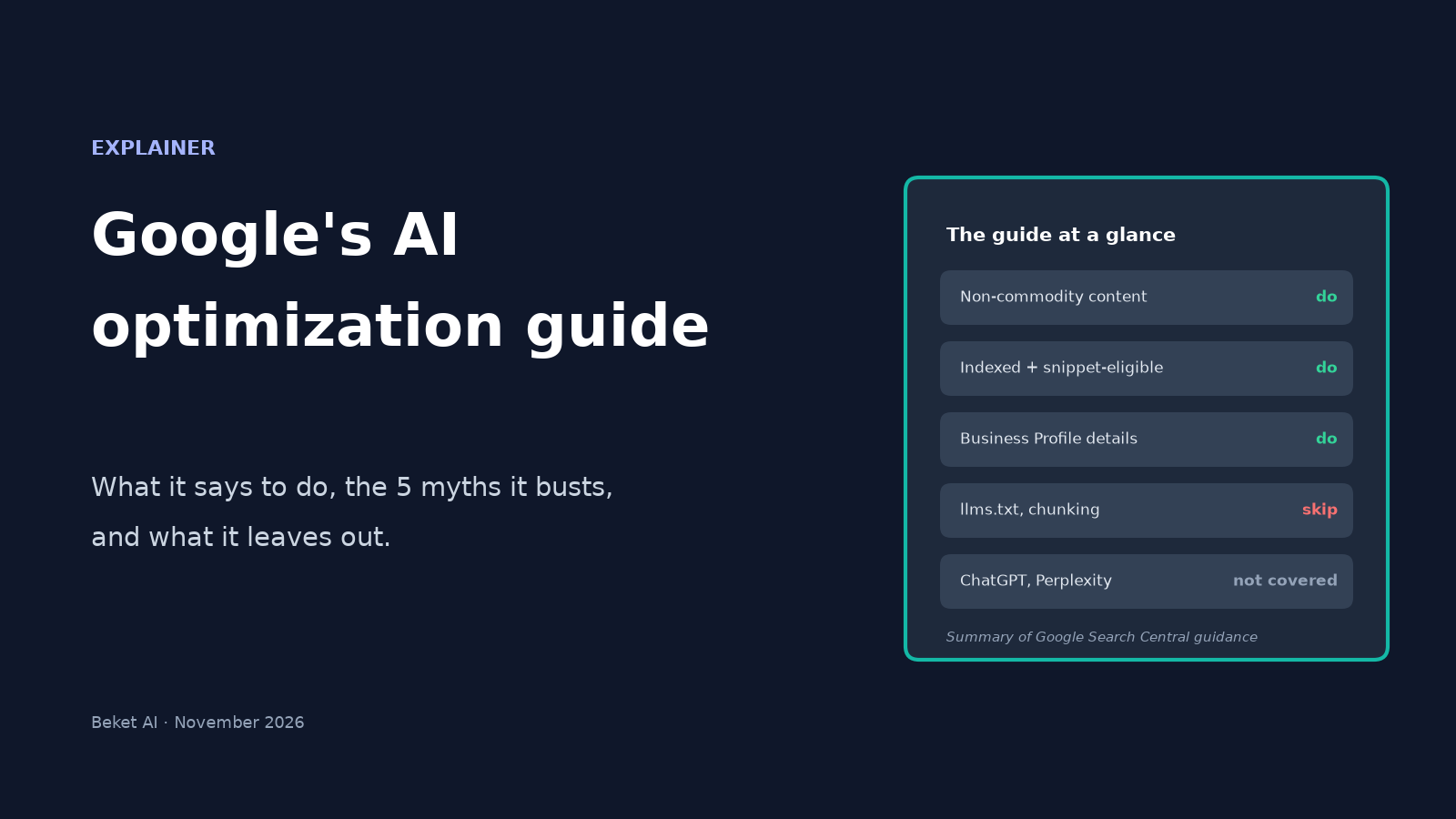
Google's AI Optimization Guide, Explained: 5 Myths It Busts and What It Leaves Out

Google's own example of content that won't stand out in AI search is a post called "7 Tips for First-Time Homebuyers." Its example of content that will is "Why We Waived the Inspection & Saved Money: A Look Inside the Sewer Line."
Both come from Optimizing your website for generative AI features on Google Search, the page Google Search Central published in May 2026 (Search Engine Journal covered it on May 15) and last updated on July 10, 2026. It's the closest thing to an official rulebook for showing up in AI Overviews and AI Mode, and it's short enough that most people only read the headlines about it.
This post goes through the guide section by section: what Google tells you to do, the five tactics it says you can ignore, and the parts it doesn't cover at all, which matter just as much if your customers also ask ChatGPT or Perplexity.
The one-sentence version
Google says that "optimizing for generative AI search is optimizing for the search experience, and thus still SEO." Its AI features are "rooted in our core Search ranking and quality systems," so the pages that show up in AI Overviews and AI Mode come from the same index, ranked by the same systems, as the regular results.
The guide names two techniques that explain how that works:
- Retrieval-augmented generation (grounding). Google retrieves relevant pages from its Search index, then writes the answer from what those pages say and shows links to them.
- Query fan-out. The model runs several related searches at once. Google's example: a question about "how to fix a lawn that's full of weeds" might also search "best herbicides for lawns," "remove weeds without chemicals" and "how to prevent weeds in lawn."
Fan-out is the part most site owners underrate. Your page doesn't have to match the exact question someone typed. It has to be a good result for one of the narrower searches the model runs on the way to its answer.
If you want the longer argument about whether GEO and AEO are separate disciplines, we covered it in SEO vs GEO vs AEO: what's actually different. This post sticks to what the guide asks you to do.
What Google says to do
The guide groups its advice into four areas. In Google's words, the first one "will likely influence your website's presence in generative AI search in the long run more than any of the other suggestions in this guide."
| Area | What the guide asks for | What it looks like for a local business |
|---|---|---|
| Non-commodity content | A unique point of view, first-hand experience, clear sections and headings, useful images and video | A page about a job you actually did, with photos and what went wrong, instead of a generic tips list |
| Technical basics | Pages indexed and eligible for a snippet, crawlable, JavaScript that isn't blocked, good page experience, less duplicate content | Check that your service pages are indexed in Search Console and nothing in robots.txt or your CDN blocks Googlebot |
| Local and ecommerce details | Google Business Profile and Merchant Center feeds; Business Agent for brands that want a chat experience on Search | Keep hours, services, categories and service area current in your Business Profile |
| Measurement | Search Console's Generative AI performance report | Check which pages earn AI Overview and AI Mode impressions |
Two details in the technical section are easy to miss. First, a page must be "indexed and eligible to be shown in Google Search with a snippet." Google's AI features page lists nosnippet, data-nosnippet, max-snippet and noindex as the controls that limit what Search shows from your pages, so a stray tag left over from a redesign can quietly limit what AI features can use. Second, the site has to be included in the Search generative AI setting in Search Console. It's on by default, but someone on your team may have switched it off.
The guide also warns against one tempting shortcut: building a separate page for every variation of a question, including fan-out queries. Google says doing that "primarily to manipulate rankings or generative AI responses" violates its scaled content abuse spam policy.
The five things Google says you can skip
The "Mythbusting generative AI search" section is what made the guide famous. Google lists five tactics that it says you can ignore for Google Search:
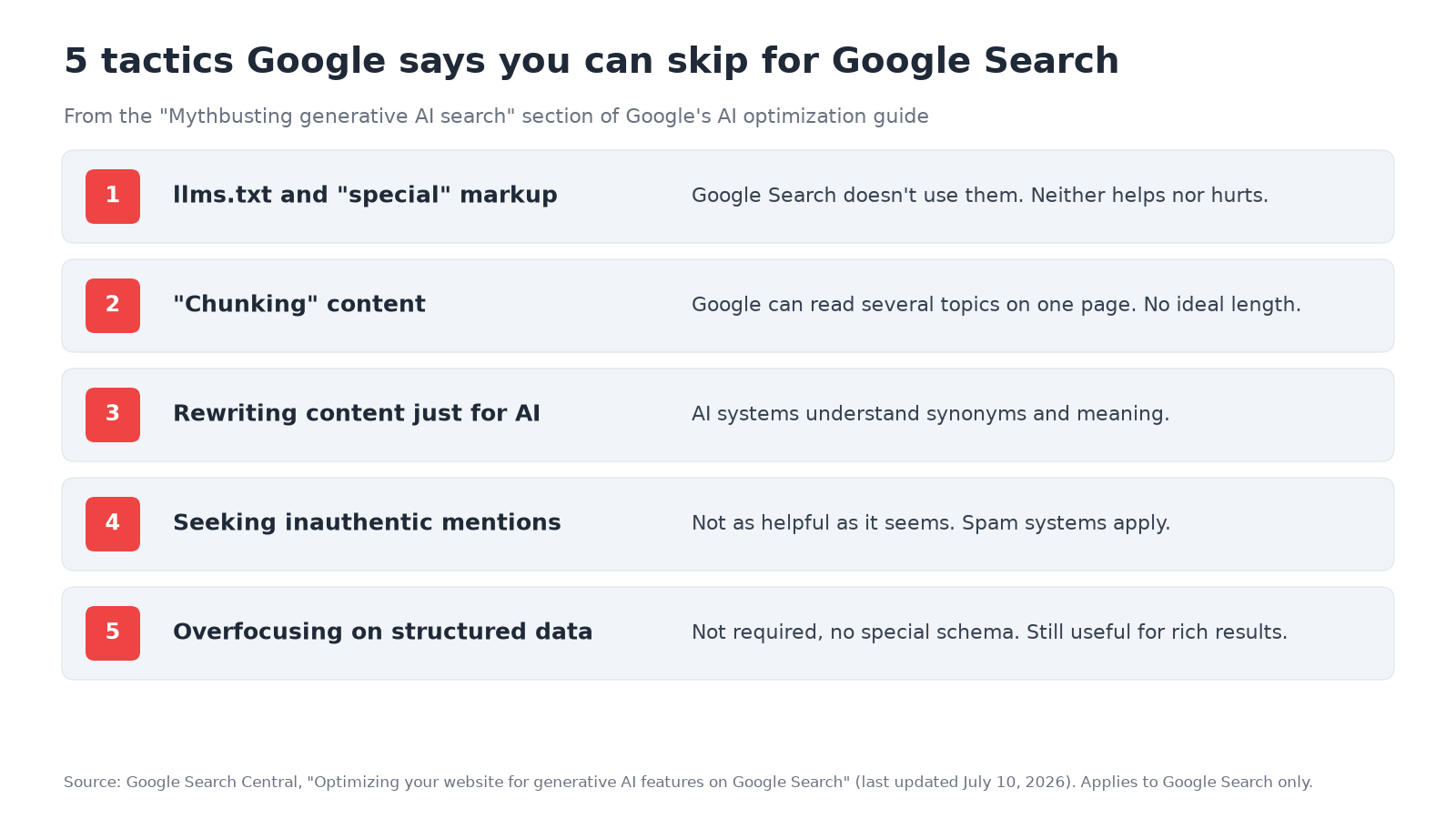
| Tactic | What Google says | Does it still matter elsewhere? |
|---|---|---|
| llms.txt and other "special" markup | Google Search doesn't use them. Creating one "will neither harm nor help" your visibility in Google Search. | Possibly for other tools that read it. Google says it's "completely fine" to keep one for them. |
| "Chunking" content | No need to cut pages into small pieces. Google's systems can understand several topics on a page and show the relevant part. There's no ideal page length. | Clear headings and sections still help readers, and Google recommends them anyway. |
| Rewriting content just for AI | AI systems understand synonyms and meaning, so you don't need every long-tail keyword variation. | Write in the words your customers use. That's a reader decision, not an AI trick. |
| Seeking inauthentic "mentions" | Not "as helpful as it might seem." Core ranking systems focus on quality, and spam systems also apply. | Real mentions on review sites, directories and forums are a different story (see below). |
| Overfocusing on structured data | Not required for generative AI search, and there's no special schema.org markup to add. Keep using it for rich results. | Schema still keeps your core facts consistent and machine-readable. |
Notice the qualifier on every line. Google is describing what Google Search uses. It isn't telling you what ChatGPT, Perplexity or Copilot read. For a closer look at the first item, our comparison of llms.txt, robots.txt and schema markup explains which file each system actually reads and which one can lock you out by accident.
The line about third-party tools
In its measurement section, the guide says: "No third-party tool has access to our internal ranking or AI systems." Google suggests using such tools if they help your workflow but checking their advice against its official guidance.
That's a fair warning, and it's worth holding any vendor to it, including us. Beket AI doesn't see Google's ranking systems. What it does is ask ChatGPT, Perplexity and Google AI Overview the kind of questions your customers ask, and record which businesses the answers name and which sources they cite. That shows you the output. It can't show you why an engine picked one business over another, and you should be wary of any tool that claims it can.
Search Console's Generative AI performance report covers the Google side with Google's own data: impressions for pages shown as links in AI Overviews and AI Mode. It doesn't tell you whether your business was named in an answer that linked somewhere else, and it says nothing about other AI engines.
Where the guide meets the real results
A guide describes what Google intends. The results don't always match it right away.
On November 5, 2026, Search Engine Roundtable reported that Google had indexed more than 6 million AI-generated Facebook Answers pages under facebook.com/fb-answers/, built from public Facebook posts. Glenn Gabe, quoted in the report, called it "scaled content abuse" and said the pages had visibility in AI Overviews, AI Mode and Gemini. The report didn't include a comment from Google, and Barry Schwartz wrote that he suspects the pages won't stay indexed much longer.
That doesn't make the guide wrong. It's a reminder not to copy what's ranking this month if it clearly breaks the rules the guide spells out. The tactics that look like shortcuts are the ones most likely to stop working.
What the guide doesn't cover
The guide is about Google Search only. Your customers also ask other assistants, and each one runs on its own crawler and its own sources.
| Engine | Crawler that decides whether you can appear | What its documentation says |
|---|---|---|
| Google AI Overviews and AI Mode | Googlebot | Pages must be indexed and eligible for a snippet (Google) |
| ChatGPT search | OAI-SearchBot | Sites that opt out of OAI-SearchBot "will not be shown in ChatGPT search answers" (OpenAI) |
| Perplexity | PerplexityBot | To appear in search results, allow PerplexityBot in robots.txt and permit its published IP ranges (Perplexity) |
So a site that does everything in Google's guide can still be missing from ChatGPT, for example if a firewall or robots.txt rule blocks OAI-SearchBot. OpenAI also runs GPTBot for model training, which is a separate setting: blocking GPTBot doesn't remove you from ChatGPT search, and allowing it doesn't put you there.
Mentions are the other gap. Google says chasing inauthentic mentions isn't worth it, but it also says its AI features can show "what's being said about products and services across the web, including in blogs, videos, and forum discussions." Other engines lean on those sources too. When we sorted 264 ChatGPT citations from five Beket AI audits of Vancouver businesses in October 2026, 18% went to directory, list or review sites and 10% to regulators, government bodies, nonprofits or universities (full breakdown). Being listed accurately on the sites your industry trusts is not a "hack." It's part of what the engines read.
A short checklist based on the guide
If you only have an afternoon, do these in order:
- Check eligibility. In Search Console, confirm your key pages are indexed and the Search generative AI setting includes your site. Look for stray
nosnippettags. - Check access for every engine. Make sure robots.txt and your CDN or firewall allow Googlebot, OAI-SearchBot and PerplexityBot.
- Update your Business Profile. Hours, categories, services and service area, because Google's guide names it directly for local businesses.
- Replace one commodity page. Pick your most generic "tips" page and rewrite it around something only you know: a real job, a real customer question, real numbers.
- Measure both sides. Use the Generative AI report for Google's links, and ask the other engines the questions your customers ask to see whether they name you.
Step 5 is where a free Beket AI audit can help. It runs 25 prompts across ChatGPT, Perplexity and Google AI Overview and shows which businesses each engine names. AI answers change, so treat any single check as a snapshot.
Google's guide ends by noting that "plenty of content thrives in Google Search (including generative AI experiences) without any overt SEO at all." That's the useful takeaway. The guide asks for less special AI work than most AI-search advice does, and more of the same work good websites were already doing.
Related posts
How to Check ChatGPT Brand Sentiment: Ask What's Wrong With Your Business
Negative prompts dropped ChatGPT brand sentiment to -36 vs +20 for neutral ones. How to test problem, value and flipped comparison prompts, and what to fix.
Which NYC Marketing Agencies Does AI Recommend? 2026 Study
NoGood led 339 AI mentions of NYC marketing agencies on Nov 5, 2026. See who ChatGPT, Perplexity and Google AI Overview named.
How to Read Search Console's Generative AI Report
Walkthrough of Search Console's Generative AI report: AI Overviews and AI Mode impressions, why clicks are missing, and how it differs from Bing and GA4.